

Course Leaders Carousel
Add Course Leaders for a Course in carousel format, an image, name and role pulled from the Profile linked to.
How to use
Each Course Leader is a repeated content type (Course Leader Carousel Item)
For the Course Leader Carousel:
- Optionally add a Title, this will default to "Course leaders" if left blank
- Choose a Background Colour: Purple, White, Yellow
- Optionally add Quick-Nav Text to be picked up the Quick Navigation Bar/Progress Navigation Bar
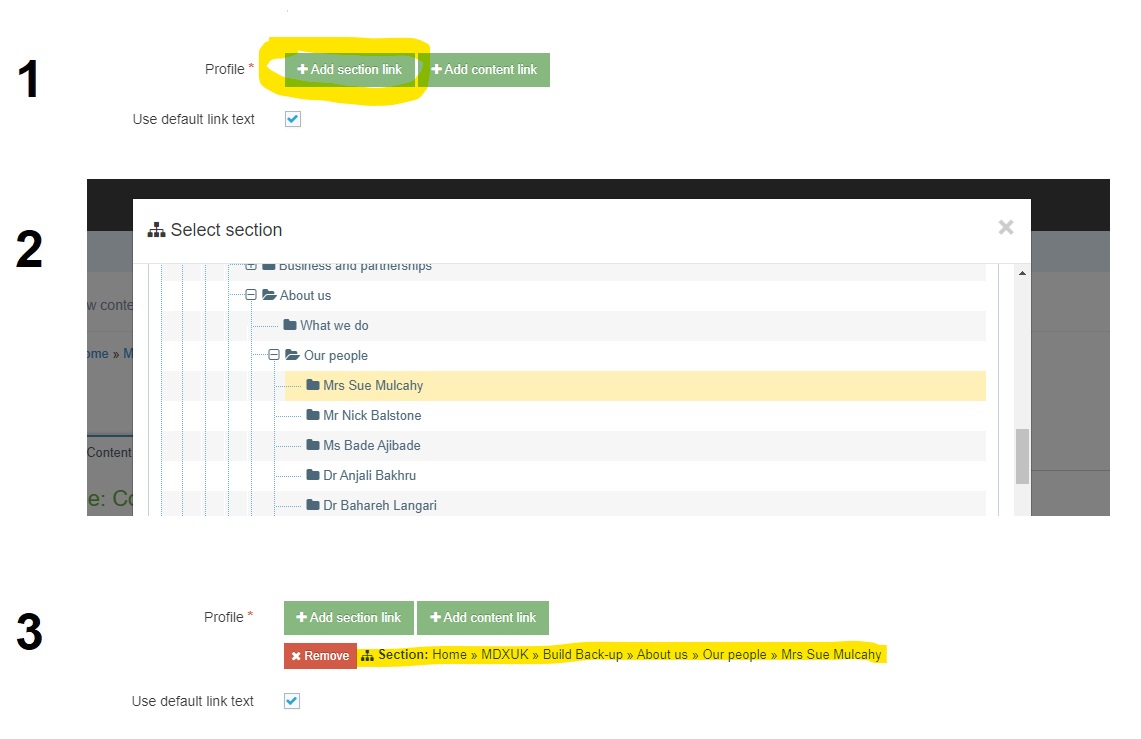
- Use the 'Add section link' button and select the Staff Search section from the Site Structure for the Staff Directory Link
For each Course Leader select a section from the Site Structure containing a Profile content item:
- Use the Add section link button (circled in yellow)
- Select a suitable section from the Site Structure
- Once you select the section your populated element should show the path to the section (highlighted in yellow)(ignore the Use default link text checkbox)
Content Type Details
ID: 673
Name: Course Leaders Carousel
Description: Create a carousel of staff profiles to add Course Leaders to a Course. Each Profile is a Repeater item and can be re-ordered in UI
Minimum user level: Contributor
Content Type Elements Details
| Name | Description | Size | Type | Required |
|---|---|---|---|---|
| Name | The Name Element | 80 Characters | Plain Text | Yes |
| Title | Optional title, defaults to "Course leaders" if left blank | 80 Characters | Plain Text | No |
| Background Colour | Select a colour from the list on the first Course Leader in a group | N/A | Select Box (List: Course Leaders Colour) | No |
| Quick-Nav Text | This text will be used for the Quick Navigation Bar/Progress Navigation, set on the first Course Leader in a group | 24 Characters | Plain Text | No |
| Staff Directory Link | Select the section where the Staff Directory search is located on the first Course Leader in a group | N/A | Section/Content Link | No |
| Leader | Add and order the course leaders for this course using this Repeater | N/A | Repeater | Yes |
Examples
Yellow background colour, 2 profiles selected, no staff directory CTA selected
Course leaders

Anthony Thickett
Senior Lecturer in Tourism

Elliot Schatzberger
Senior Lecturer
Purple background, 8 profiles selected, staff directory CTA enabled
Course leaders
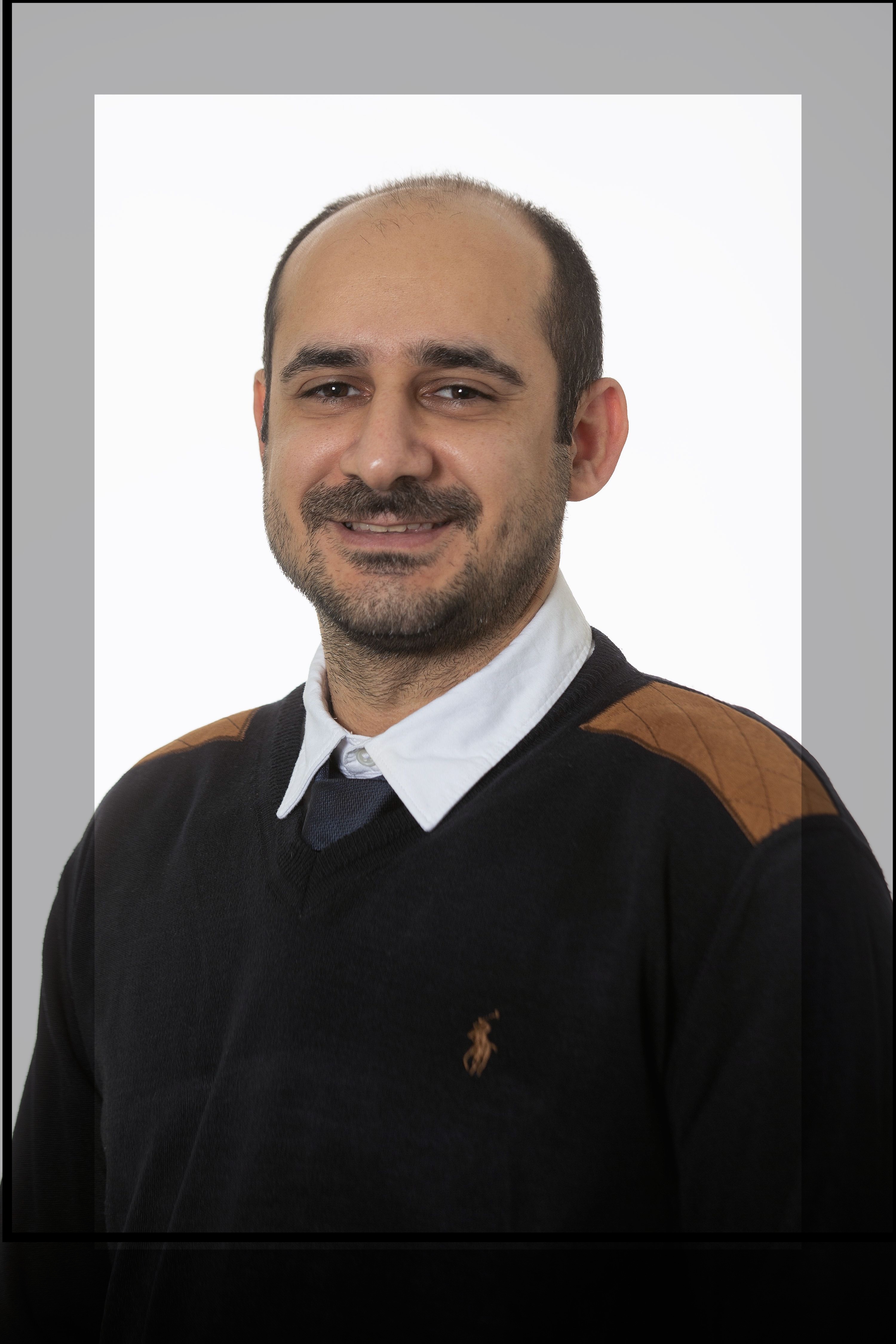
Ali Khoshkholghi
Senior Lecturer in Computing Science

Chong Yu
Senior Lecturer in Marketing

Alexis Chapman
DoP - Apprenticeship and work-based learning programmes

Britta Stordal
"Deputy Dean, Research and Knowledge Exchange"
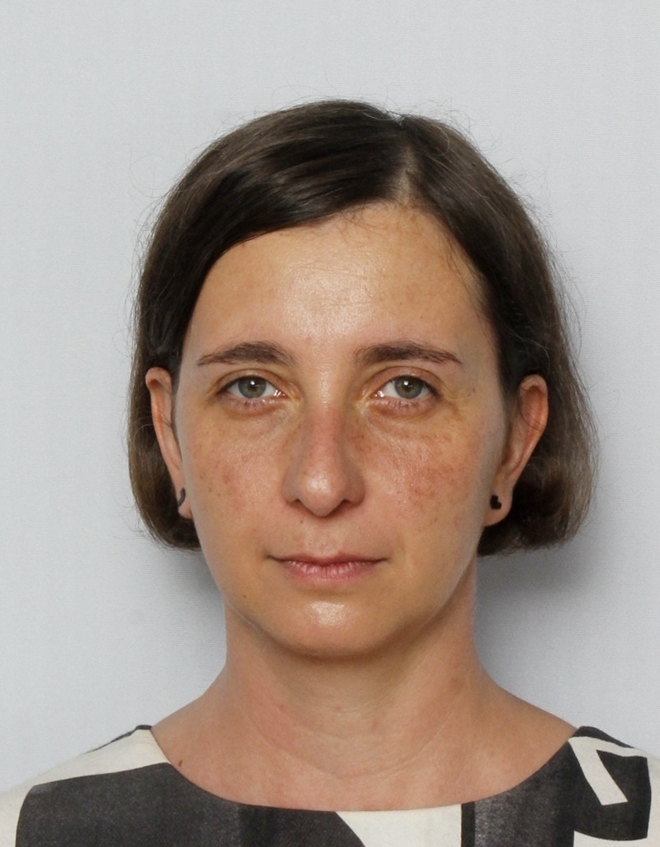
Karolina Slovenko
Senior Lecturer (Practice) in Social Work

Anne Mulligan
SL in Primary Education Mathematics
.png)
Clare O'Donoghue
"SL, English for Speakers of Other Langs"

Homeira Shayesteh
"Senior Lecturer in Construction, Architecture and BIM"
White background, custom title, 4 profiles
This is a custom title

Agi Ryder
Senior Lecturer in Transdisciplinary Practice

Alice Donald
Professor in Human Rights Law

Giovanni Quattrone
Senior Lecturer in Computer Science

Stephen Nunn
Director of Programmes for Psychology